 Skip to main content
How to make your practice more sustainable
Ready to make your accounting or bookkeeping practice more eco-friendly? Here are four tips to help y... Read more

Understanding your cashflow is one of the quickest ways to see how your business is performing. Read more
Ready to make your accounting or bookkeeping practice more eco-friendly? Here are four tips to help y... Read more

We’ve rolled out some exciting improvements to our capital asset and depreciation functionality. Read more
In the meantime, feel free to browse for more handy content and useful ideas.
Keeping close track of money coming in and going out of your business is vital. Here are six tips to ... Read more

A quick guide to what basis period reform is and whether it affects your business. Read more
Is your current accounting system not cutting it? Then it’s time to switch it up. Read more

Check the tax rates, relief and rules that might affect you from April 2024. Read more
When is a good time of year to start a new business? If you want to be clever about it, April could b... Read more

Here’s a quick guide to Capital Gains Tax for landlords: when to report, how to calculate and how muc... Read more
Tick off our payroll year end checklist, then relax, knowing you’re ready for the new tax year. Read more
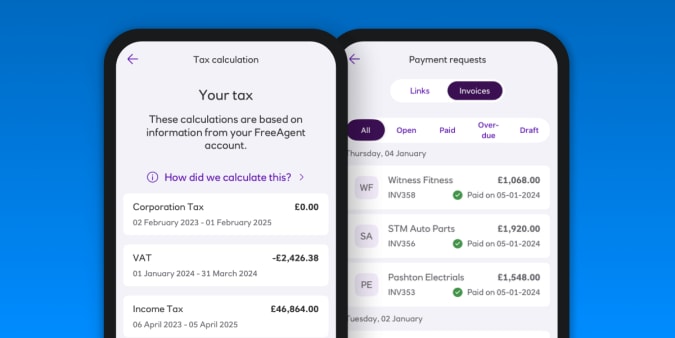
Bundling your banking and accounting together in one place. Read more

Discover a few of the things we do to create an inclusive environment for women at FreeAgent. Read more
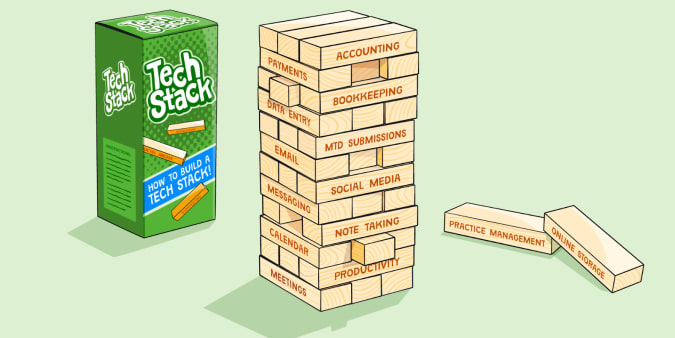
Ready to build a digital toolkit that will enable you to achieve your new tax year goals? We’ve got f... Read more

Changes to National Insurance, the VAT registration threshold and more. Read more

We’ve released exciting updates to our depreciation functionality that enable you to choose which met... Read more

We’ve listed the pros and cons of incorporation to help you make the best decision for your property ... Read more

Keeping your cashflow healthy relies on your customers paying you on time. Read more
Exciting news! You and your clients can now import sales invoices directly from Dext Prepare into Fre... Read more

You can now use the integration if you use an Amazon UK Marketplace account to sell goods abroad. Read more

Wondering what effect the leap year's extra day has on your accounts? We’ve got the answers. Read more
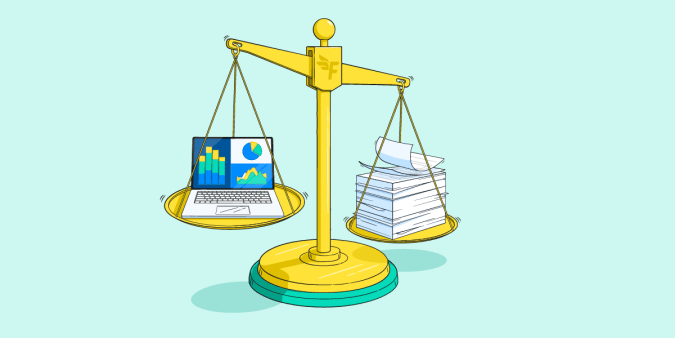
Time to assess your accounting method and make sure you’re using the right one for your needs. Read more

Ready to define your practice goals for the new tax year? Here are three steps for creating and maint... Read more
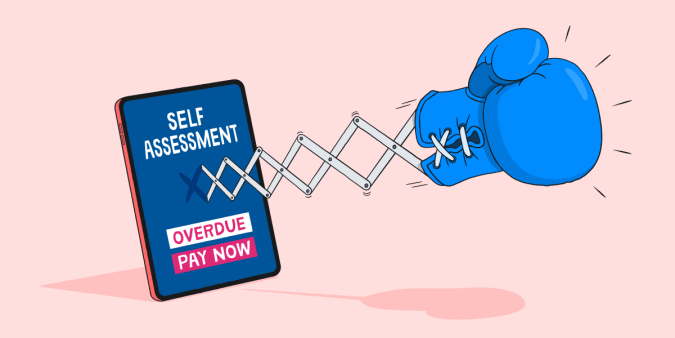
Six ways to pay a Self Assessment penalty and avoid further charges. Read more

We chatted with a few long-standing FreeAgent folks who have pivoted their careers within the company. Read more
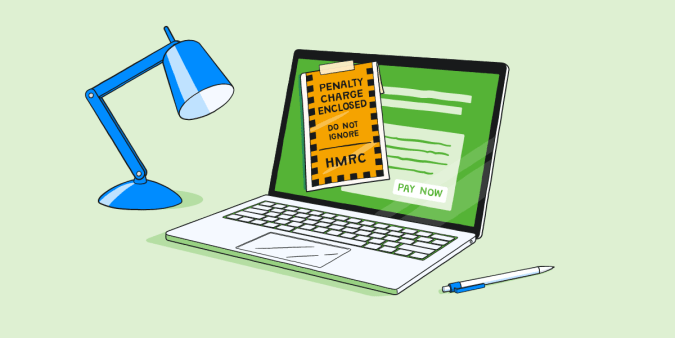
Here are the steps you can take to appeal your Self Assessment penalty if you have a reasonable excuse. Read more

You don’t need to be a financial whizz to create a brilliant business budget. Read more

Set your practice up for success in 2024 and beyond with these five accountancy trends. Read more
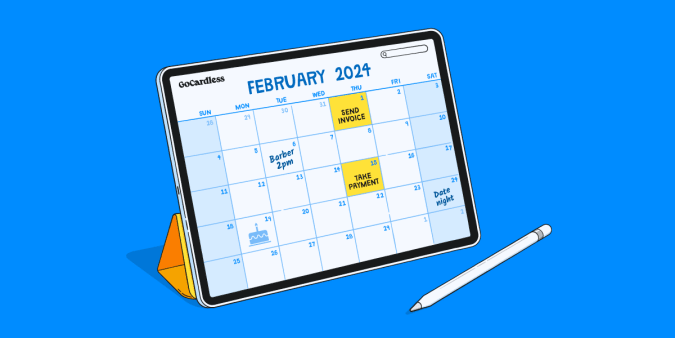
We’ve fine-tuned how and when you take Direct Debit payments with GoCardless. Read more

Attracting top talent to your accounting firm can be a challenge. Here are five tips to attract and r... Read more

If you sell items on eBay, Vinted or Etsy, or rent your flat on Airbnb - when do you have to start pa... Read more